
🏊
Caroline
Started the Marathon Plan
Recently
Apple Watch swimming
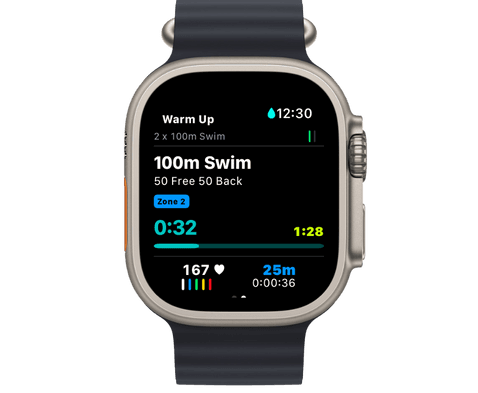
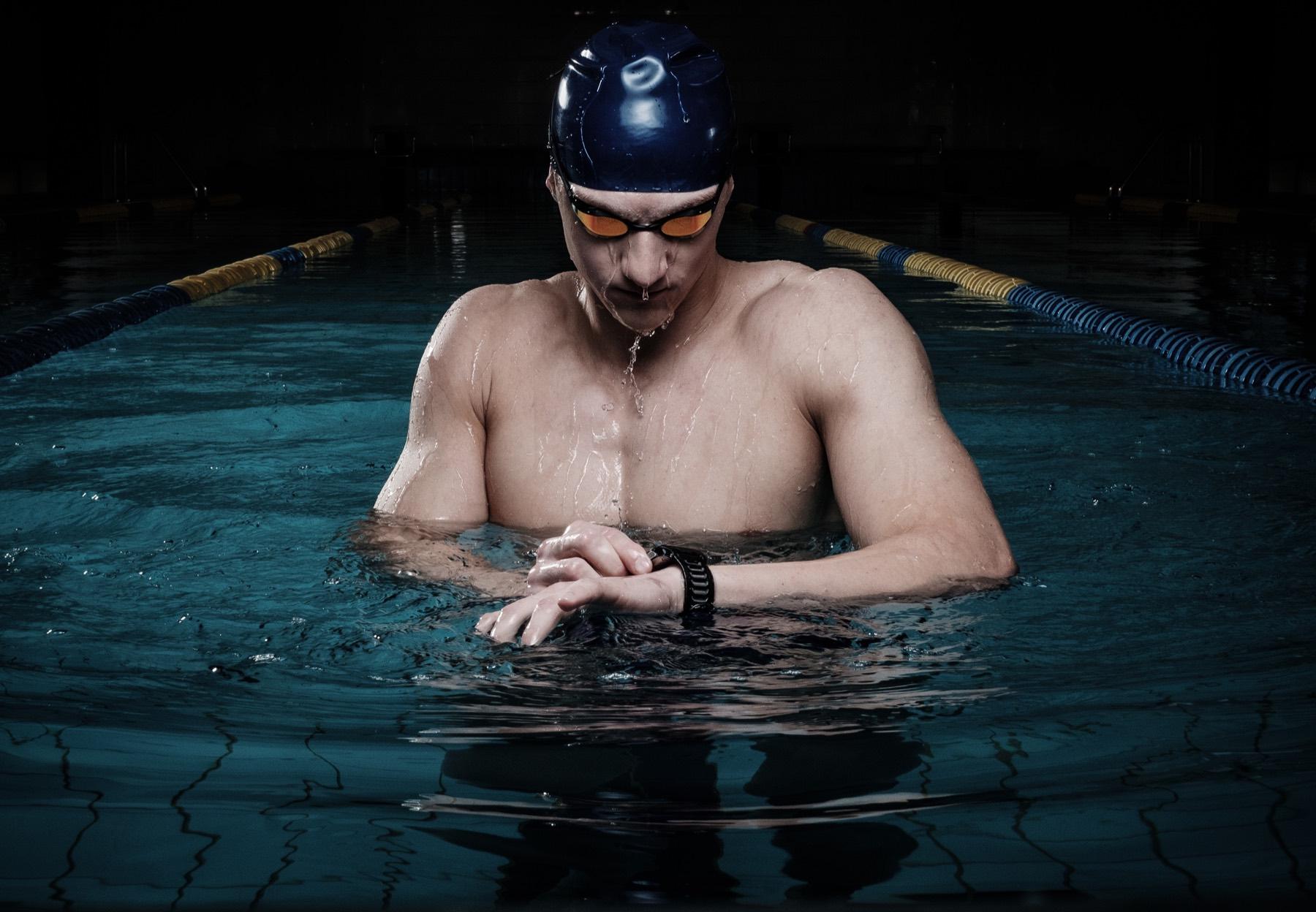
Apple Watch can do more than record a completed swim. With DuoSwim, a compatible Apple Watch can guide you through a structured session planned around your swimming goal, while the DuoSwim app keeps the plan and post-swim review together.
Follow planned swim sets on your wrist instead of memorising the whole session.
Use Apple Watch as an optional extension of the DuoSwim phone app.
Review the completed workout in the context of your wider training plan.
A swimming tracker answers what happened: how long you swam and what the watch recorded. A training app should also answer what you should swim today, why the session is in your week, and what comes next.
That distinction matters at the pool. A recorded activity is useful after the swim, but a structured workout helps while you are training. DuoSwim prepares the session in the app and makes the set available on a compatible Apple Watch so the training plan is not left on the poolside.
Yes. DuoSwim supports watch-ready workouts for Apple Watch. Once the intended workout is available on the watch, you can follow its set structure in the water rather than trying to remember every repeat and recovery interval.
On-wrist guidance is most useful for sessions with several pace changes, repeated blocks, or exact recoveries. For a simple continuous swim it may be less important, and some swimmers will still prefer to check the workout from their phone before starting.
The watch can only guide the session you prepared. Before swimming, check the pool length, planned distance, pace level, and any equipment named in the workout. Open the structured workout rather than starting an unrelated activity, then save it when the session is complete.
Afterwards, look beyond the total distance. Compare how consistently you completed the planned work, where pace changed, and whether the session was appropriate for your current week. One swim is a data point; a repeated pattern across a plan is what makes the record useful.
Both approaches can be useful. The right choice depends on whether you already know exactly what to swim or want the session organised for you.
| Consideration | Activity tracking only | DuoSwim |
|---|---|---|
| Before the swim | You decide or memorise the workout separately. | The workout sits within a selected DuoSwim training plan. |
| During the swim | The watch records an activity while you manage the set yourself. | A compatible Apple Watch presents the structured workout on your wrist. |
| After the swim | You review the recorded activity as a standalone session. | You review the swim alongside planned workouts and progress feedback. |
| Best suited to | Swimmers who already have coaching or write their own sessions. | Swimmers who want planning, workout guidance, and tracking in one place. |
Run this short check before relying on a watch-guided session at the pool. Exact screens can vary by watch and software version.
Prepare your watch, pool settings, and equipment for more reliable structured sessions.
See where on-wrist guidance removes friction and where it adds less value.
Compare the equivalent structured-workout workflow for Garmin swimmers.
Explore 44 plans across getting started, speed, endurance, fitness, racing, and triathlon.
Choose a DuoSwim plan, check the session on your phone, and use a compatible Apple Watch when on-wrist guidance helps you execute it.


Caroline
Started the Marathon Plan
Recently